
About Real Drift Multiplayer
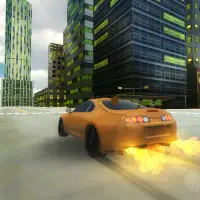
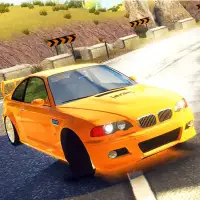
Real Drift Multiplayer skips long menus and puts you behind the wheel quickly. Three cars are on offer, and once you have picked one you are out on the track and sliding within seconds, either by yourself or online with other players.
The appeal is the feel of the slide itself. Holding a smooth drift through a corner takes practice with throttle and steering, and having other drivers around in online play adds a social, show-off element. Since it works on mobile as well as desktop, it is easy to jump in for a few laps wherever you are.
How to play Real Drift Multiplayer
- W - accelerate
- S - brake or reverse
- A and D - steer
Playing Real Drift Multiplayer on a computer
Drive with the WASD keys: W for throttle, S to brake or reverse, and A and D to steer. Hit Play now, wait for the PLAY prompt, then choose one of the three cars and go solo or online. Drifting is about rhythm, so flick the steering into a corner and hold the throttle steady instead of braking hard in the middle of a slide.
Playing Real Drift Multiplayer on a phone or tablet
Real Drift Multiplayer is listed as working on phones. Once you reach the track, use the touch controls the game shows for steering, gas and braking in place of the WASD keys. Turn the phone to landscape so the road and controls both fit. Run a few laps alone before joining others online while you learn how the slide feels.
Tips and tricks
- Start with gentle throttle and steering to find the car's balance point.
- Try each of the three cars to find the one that drifts best for you.
- Practice in single-player before going online.
Game details
| Category | Racing Simulation |
|---|---|
| Platform | Desktop and mobile |
| Technology | HTML5 |
| Price | Free |
Real Drift Multiplayer FAQ
Can you play Real Drift Multiplayer alone?
Yes. It has a single-player mode in addition to online play.
How many cars are in Real Drift Multiplayer?
There are three vehicles to choose from.